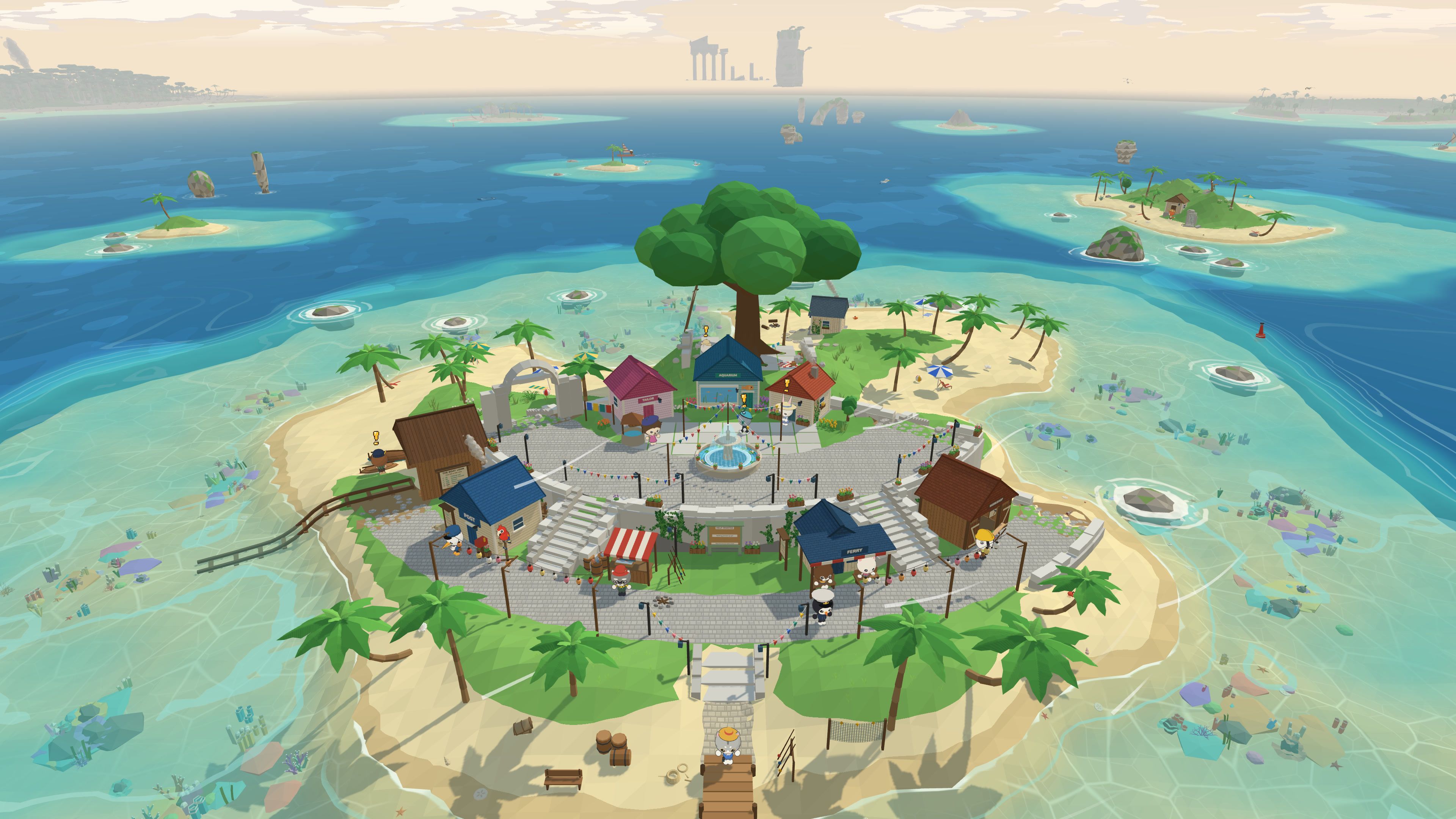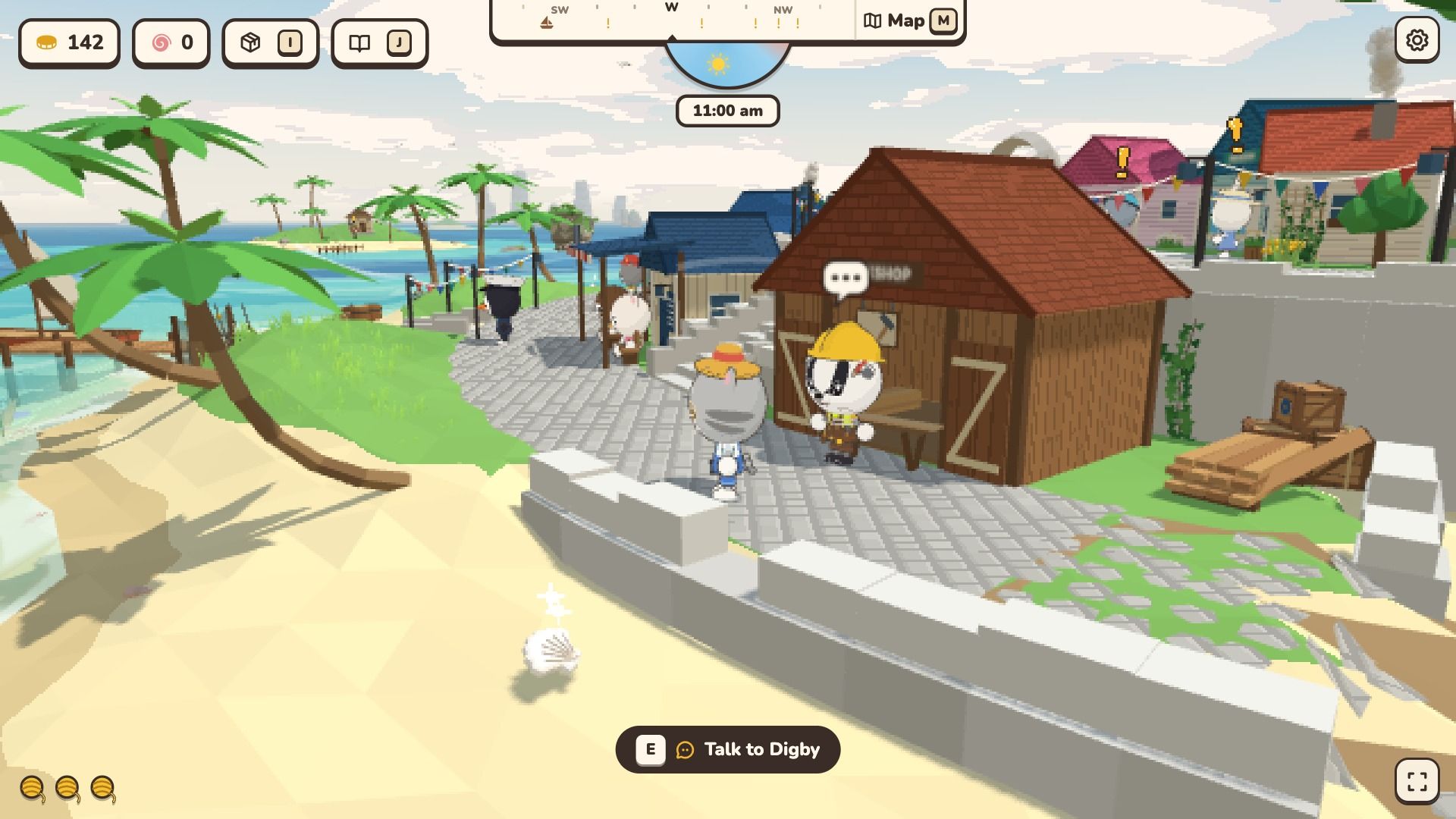
Today I worked on making the game run well on more computers.
One Quality setting
Before, there were two settings, Performance mode and Pixel size. They did nearly the same job, so I joined them into one Quality row: Very high, High, Medium, Low and Very low.
Very high draws the game sharp at your screen’s own size. High is the new default and draws fewer pixels, which is much lighter on a sharp laptop screen. Medium, Low and Very low draw bigger pixels still. If you chose a setting before, the game keeps your choice.
If the game finds that your computer is slow, it steps down to Medium and tells you. You can change it back in the settings.
A frame rate limit
There is also a Frame rate limit: 30, 60, 120, 165, 240 or Unlimited. A lower limit keeps a laptop cooler and quieter.
Smoother small moments
- Grandpa’s postcard at the start turns smoothly now. It does about 60 percent less work while the card turns.
- Item cards no longer stutter as they open. They show a turning picture that I draw ahead of time, so nothing is built while the card opens.
- The settings and the journal have a small X in the top right corner. The world stands still while the settings are open.
If the game feels slow on your computer, please tell me. That helps me more than anything.