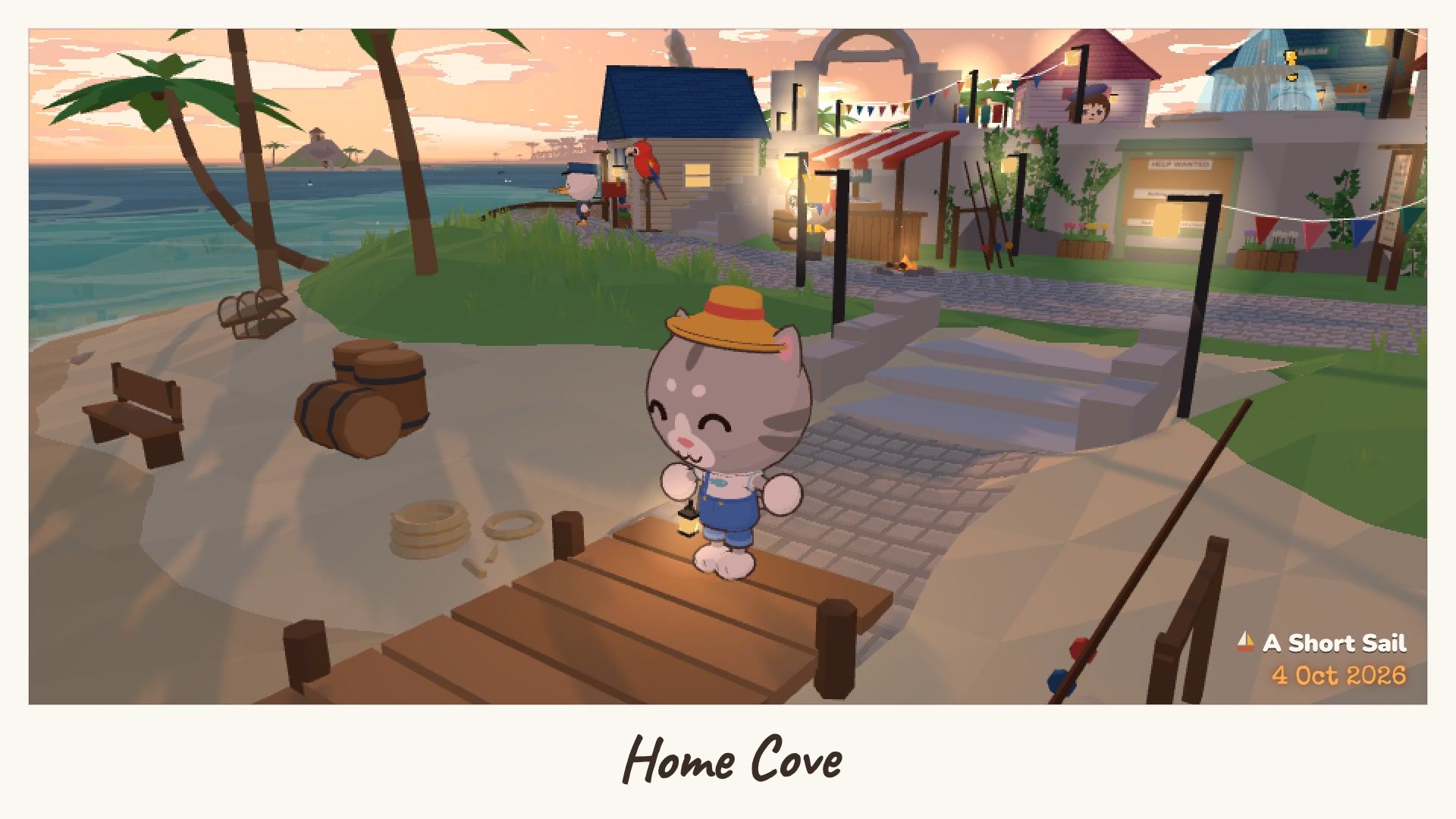
Hello, and welcome to the devlog! The blog is where I write guides to cozy games. This is where I write about making A Short Sail itself: what changed, and why. It is just me making the game, so these notes are short and honest.
P for photo mode
Photo mode used to be on C, and the settings were on P. That never felt right. P is for photo, so photo mode is now on P. The settings open with Esc or O. C is free again.
Button marks for every controller
If you play with a controller, the game now shows the right buttons for it: PlayStation, Xbox or Steam Deck. It picks them from the controller in your hands. If it guesses wrong, choose them yourself in the settings, under Buttons.
Small things that feel better
- The camera looks ahead at sea. The faster you sail, the further ahead it looks, so you see the island coming. It eases in and out, so turns never jerk the view.
- E is kinder. Press it a moment too early and it waits for the thing to come in reach. Press it a moment too late and it still reaches what just slipped past.
- A Pixelated switch. In the settings you can turn the pixel look off and see the game sharp.
Thank you for reading the first entry. More soon!